
Introduction
Web development does not end after writing code.
You must also deploy and manage your application.
Many developers face problems during deployment.
Servers fail and bugs appear in production.
Updates take too much time.
DevOps helps solve these problems.
It connects development and operations teams.
It uses tools and automation to improve software delivery.
This article explains DevOps in simple words.
It is written for web developers and beginners.
You will learn concepts, tools, benefits, and tips.
What Is DevOps?
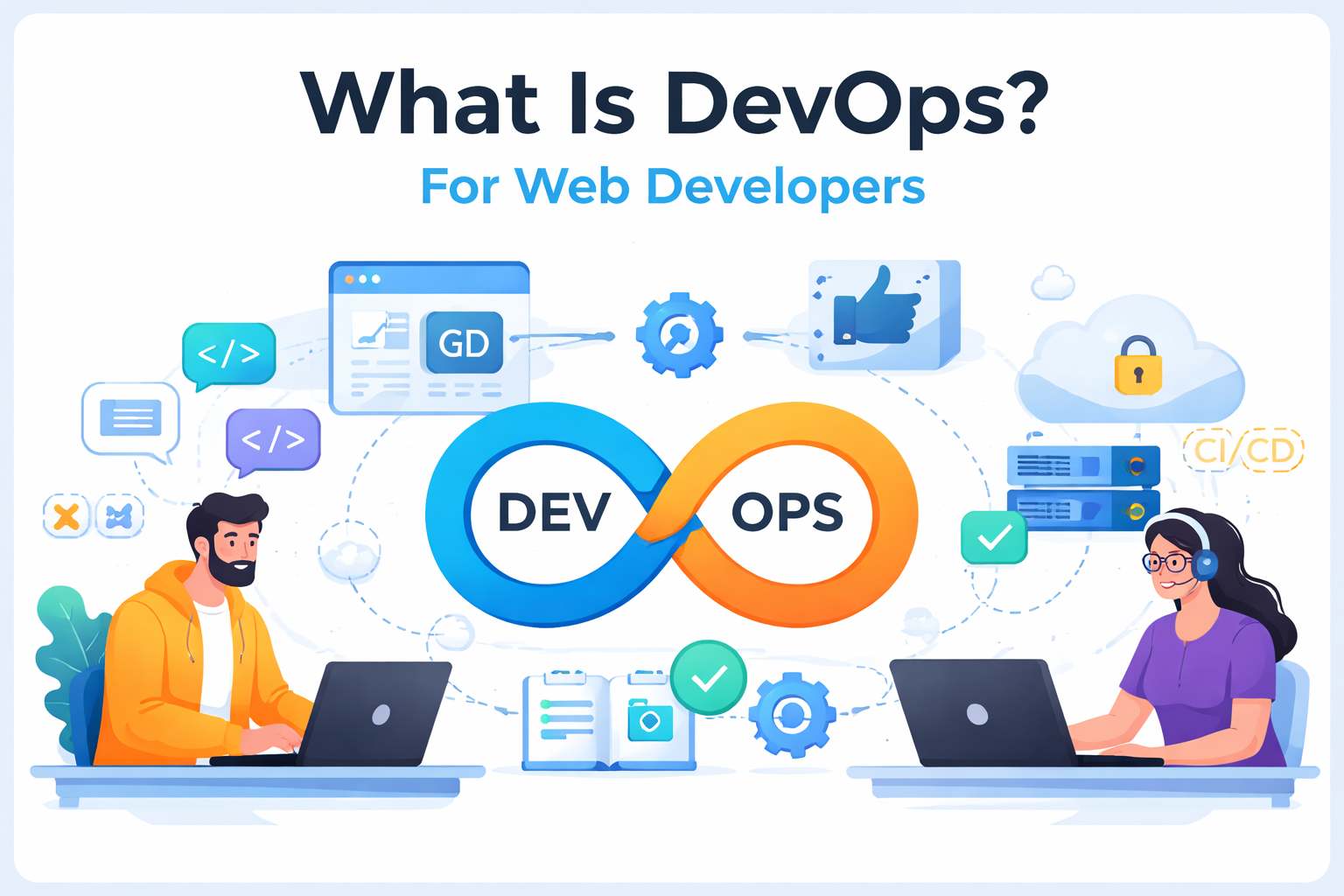
DevOps means Development + Operations.
It is a way to build and deliver software faster.
It focuses on teamwork and automation.
DevOps helps developers and system admins work together.
They share responsibility for the application.
They also share tools and processes.
DevOps has three main goals:
- Faster software delivery
- Better software quality
- More stable systems
DevOps is not only tools.
It is also a culture and mindset.
Why DevOps Is Important for Web Developers
Web developers build websites and web apps.
They use tools like React, Node.js, or Django.
After coding, they must deploy the app to a server.
Without DevOps, deployment is manual and risky.
Mistakes happen often.
Downtime can hurt users and business.
With DevOps, developers can:
- Deploy updates quickly
- Fix bugs faster
- Avoid server errors
- Improve user experience
DevOps makes your work more professional.
Traditional Development vs DevOps
Traditional Method
- Developers write code
- Operations team deploys it
- Problems appear after release
- Fixes take a long time
DevOps Method
- Developers and operations work together
- Code is tested automatically
- Deployment is automated
- Problems are found early
DevOps saves time and reduces stress.
How DevOps Works in Web Development
A simple DevOps workflow looks like this:
- You write code on your computer.
- You push code to GitHub.
- Tests run automatically.
- The app is built automatically.
- It is deployed to the server.
- Monitoring checks system health.
This process repeats many times.
It helps deliver updates safely.
Key DevOps Concepts for Web Developers
1. Version Control
Git stores your code history.
GitHub or GitLab hosts your code online.
Teams can work together easily.
2. Continuous Integration (CI)
CI tests code after every change.
It finds errors early.
It keeps the project stable.
3. Continuous Deployment (CD)
CD deploys code automatically.
No manual steps are needed.
Updates reach users faster.
4. Containers
Docker packages your app and its settings.
It runs the same everywhere.
This avoids environment problems.
5. Cloud Computing
Cloud servers run your web app online.
Examples are AWS, Azure, and Google Cloud.
They scale when traffic grows.
6. Monitoring and Logging
Monitoring checks performance and errors.
Logs show what happened in the system.
They help fix issues quickly.
Common DevOps Tools for Web Developers
Here are popular DevOps tools:
- Git & GitHub – store and manage code
- GitHub Actions – automate tests and deployment
- Docker – create containers
- Nginx – web server and reverse proxy
- AWS or DigitalOcean – cloud hosting
- PM2 – manage Node.js apps
- Grafana – monitor systems
You do not need all tools at once.
Start with simple ones.
Real Example: Deploying a Web App with DevOps
Imagine you build a Node.js web app.
Steps using DevOps:
- Push code to GitHub.
- GitHub Actions runs tests.
- Docker builds the app image.
- The image is sent to a server.
- The server runs the new version.
- Monitoring checks for errors.
If something fails, you get alerts.
You can fix problems quickly.
This saves hours of manual work.
Benefits of DevOps for Web Developers
DevOps gives many advantages:
- Faster releases
- Fewer production bugs
- Better teamwork
- Less manual work
- Higher system reliability
- Improved user trust
DevOps also improves your career value.
Many companies want DevOps skills.
Do Web Developers Need to Learn DevOps?
Yes, at least the basics.
You do not need to be a DevOps engineer.
But you should understand deployment and automation.
This makes you a full-cycle developer.
You control your app from code to production.
It increases job opportunities.
How to Start Learning DevOps
Follow this simple path:
- Learn Git and GitHub
- Learn Linux basics
- Try CI/CD with GitHub Actions
- Learn Docker
- Deploy one project on cloud
- Learn monitoring basics
Practice with small projects.
Do not rush the process.
Practical Tips for Beginners
- Start with one tool at a time
- Automate only simple tasks first
- Use free cloud services to practice
- Read official documentation
- Watch beginner tutorials
- Keep security in mind
- Use backups
- Test before deployment
Small steps bring big results.
Common Mistakes to Avoid
- Deploying manually every time
- Ignoring error logs
- Skipping tests
- Not using version control
- Storing passwords in code
- Not monitoring the server
Avoid these mistakes early.
FAQs
What is DevOps in simple words?
DevOps joins development and operations.
It helps build and deploy software faster and safer.
Is DevOps hard for beginners?
No, DevOps is not hard at the start.
You can learn step by step.
Do I need coding for DevOps?
Yes, basic coding helps a lot.
Shell scripts and YAML files are common.
Which DevOps tool should I learn first?
Start with Git and GitHub.
Then learn CI/CD tools.
Can a web developer become a DevOps engineer?
Yes, many web developers move to DevOps roles.
Skills are related and useful.
Conclusion
DevOps is very important for modern web developers.
It improves speed, quality, and teamwork.
It connects coding with deployment.
You do not need to learn everything at once.
Start with small tools and simple automation.
Practice with your own projects.
DevOps is not scary.
It is a natural part of web development today.
Learning DevOps will grow your skills and career.