
Introduction
SaaS web development is changing how people use software.
Many companies now use software through the internet.
They do not install programs on their computers.
SaaS means Software as a Service.
Users open the software in a web browser.
They pay a monthly or yearly fee.
Examples of SaaS products include Google Docs, Zoom, and Netflix.
These tools work on phones, tablets, and computers.
This article explains SaaS web development in simple words.
You will learn how it works, its benefits, and its challenges.
You will also get practical tips and FAQs.
What Is SaaS Web Development?
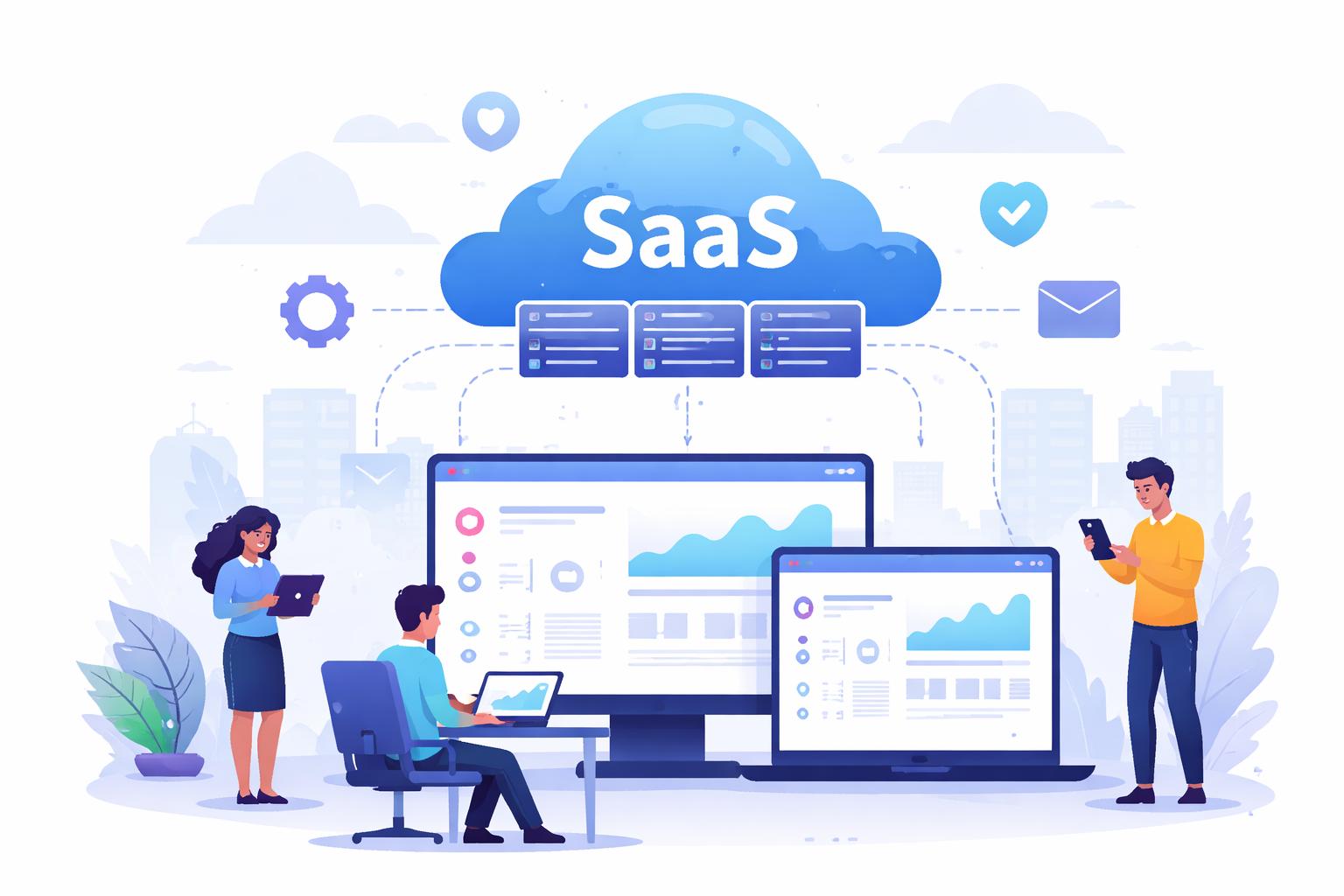
SaaS web development means building software that runs on the cloud.
Users access it using the internet.
They do not download or install heavy programs.
The software lives on a remote server.
The company manages updates and security.
SaaS web development focuses on:
- Easy access
- High security
- Good performance
- Scalability
It helps businesses reach users around the world.
How Does a SaaS Application Work?
A SaaS app works using a client and a server.
The client is the user’s web browser.
The server is a cloud computer.
Steps:
- User opens the app in a browser.
- User logs in with email and password.
- The request goes to the server.
- The server sends data back.
- The browser shows the result.
All data stays on cloud servers.
This keeps information safe and organized.
Main Parts of SaaS Web Development
1. Frontend (User Interface)
The frontend is what users see.
It includes buttons, forms, and pages.
Common frontend tools:
- HTML
- CSS
- JavaScript
- React or Vue
A good design is simple and fast.
It works on all screen sizes.
2. Backend (Server Side)
The backend handles logic and data.
It manages users and requests.
Common backend tools:
- Node.js
- Python
- Java
- PHP
The backend connects to databases and APIs.
3. Database
A database stores user data.
It saves profiles, files, and settings.
Popular databases:
- MySQL
- PostgreSQL
- MongoDB
Data security is very important here.
4. Cloud Infrastructure
Cloud platforms host SaaS apps.
Popular cloud providers:
- Amazon Web Services (AWS)
- Google Cloud
- Microsoft Azure
They provide storage and computing power.
Key Features of SaaS Applications
SaaS products share common features.
User Accounts
Users create accounts with email and password.
They can reset passwords easily.
Subscription and Billing
Users pay monthly or yearly fees.
Payments use cards or digital wallets.
Automatic Updates
The company updates the software.
Users always get the newest version.
Scalability
The app can handle more users.
It grows with business needs.
Security
Data is encrypted and protected.
Only authorized users can access it.
SaaS Web Development Process
Step 1: Idea and Planning
Find a problem to solve.
Study your target users.
Define the main features.
Plan a simple MVP first.
Step 2: Design
Create wireframes and layouts.
Design simple and clean screens.
Focus on easy navigation.
Step 4: Testing
Check for bugs and errors.
Test speed and security.
Make sure it works on many devices.
Step 5: Deployment and Maintenance
Launch the app on cloud servers.
Monitor performance and fix issues.
Add new features over time.
Benefits of SaaS Web Development
SaaS web development has many benefits.
1. Easy Access
Users can log in from anywhere.
They only need the internet.
2. Lower Cost
No need to buy expensive hardware.
Users pay only for what they use.
3. Fast Updates
Developers update the app once.
All users get changes instantly.
4. High Scalability
The app can serve millions of users.
Cloud systems support growth.
5. Global Reach
People from many countries can use it.
Language and time zones do not block access.
Challenges of SaaS Web Development
SaaS also has some challenges.
Data Security
Hackers may try to steal data.
Strong security systems are needed.
Internet Dependency
Users need a stable connection.
Offline use is often limited.
Performance Issues
Heavy traffic can slow the app.
Load balancing helps solve this.
User Trust
Users worry about privacy.
Clear policies build confidence.
SaaS vs Traditional Software
Traditional software needs installation.
SaaS works in a web browser.
Traditional software updates manually.
SaaS updates automatically.
Traditional software runs on one device.
SaaS works on many devices.
SaaS is more flexible and modern.
Real-Life Examples of SaaS
Some famous SaaS products are:
- Google Workspace
- Dropbox
- Salesforce
- Slack
- Zoom
- Canva
They help people work and communicate better.
Future of SaaS Web Development
SaaS is growing fast.
Future trends include:
- Artificial Intelligence tools
- No-code platforms
- Better security systems
- Faster cloud services
Many startups are choosing SaaS models.
Practical Tips for SaaS Web Development
- Start with a simple idea.
- Build an MVP first.
- Focus on user experience.
- Use strong security methods.
- Choose a reliable cloud provider.
- Monitor performance regularly.
- Add features based on user feedback.
- Keep your app fast and clean.
These tips help build a successful SaaS product.
FAQs (Frequently Asked Questions)
1. What is SaaS in simple words?
SaaS is software you use through the internet.
You do not install it on your computer.
2. Is SaaS the same as cloud computing?
No, but they are related.
SaaS is a type of cloud service.
3. Who uses SaaS applications?
Businesses, students, and individuals use SaaS apps.
Anyone with internet access can use them.
4. How much does SaaS development cost?
Cost depends on features and size.
Small apps cost less than complex systems.
5. Is SaaS safe to use?
Yes, if security is strong.
Good companies protect user data.
6. Can small businesses build SaaS apps?
Yes, many startups build SaaS products.
Cloud services make it affordable.
Conclusion
SaaS web development is the future of software.
It allows users to access tools online easily.
It saves time and reduces costs.
It also supports global users and fast updates.
Many companies now choose SaaS models.
They help businesses grow and scale quickly.
If you want to build modern software, choose SaaS web development.
It is flexible, powerful, and user-friendly.
With good planning and security, SaaS can succeed worldwide.